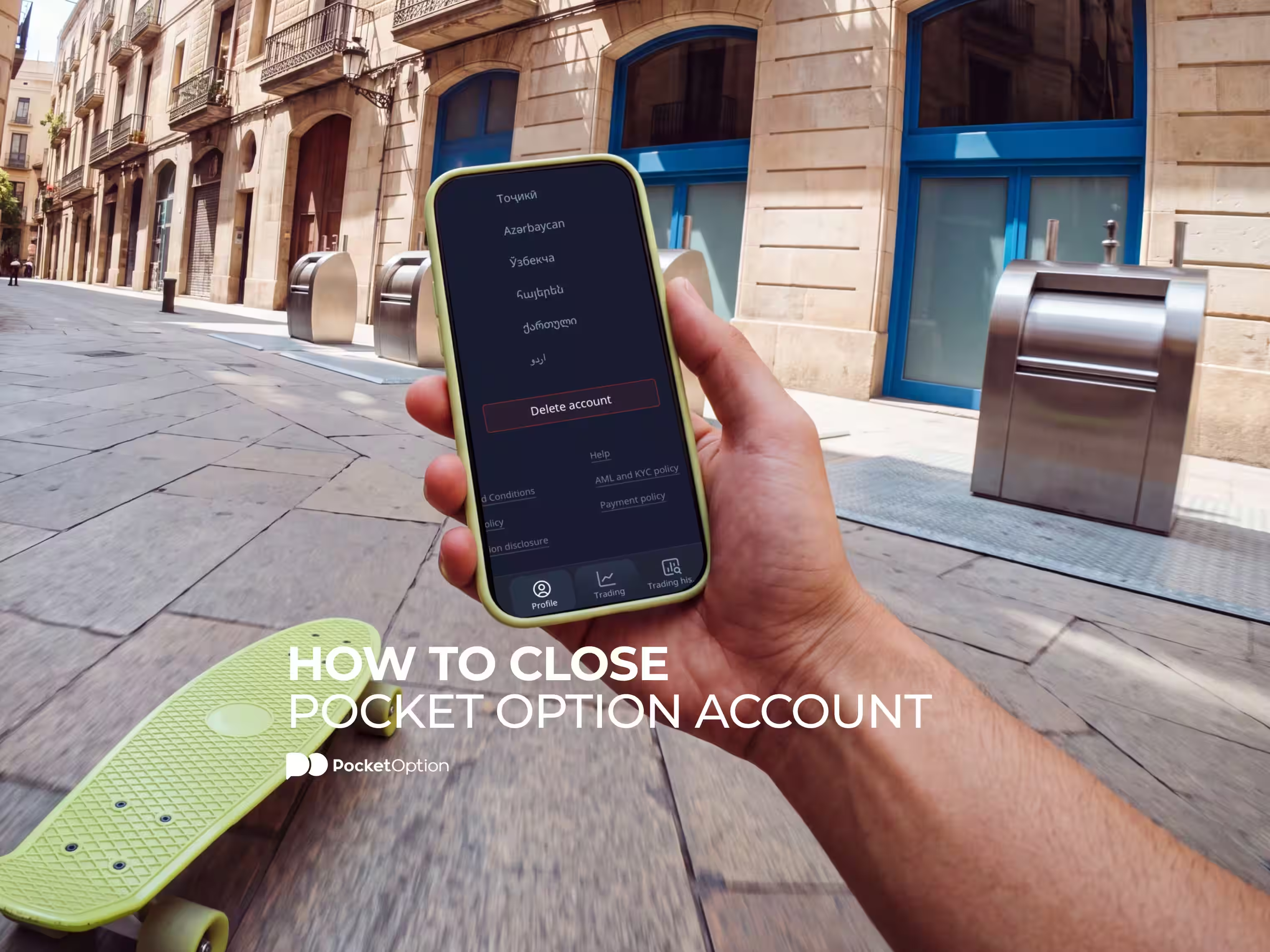
How to Close Pocket Option Account
Account closure should be a straightforward procedure, and on Pocket Option it is precisely that. But the actual procedure is hindered by one factor, namely the order in which it needs to be carried out. Because there are certain issues which will require solving beforehand for the button click to result in what you're aiming at. This guide is devoted exclusively to the process of Pocket Option account closure, what happens to your money and your records afterwards, and what your options are if you're not entirely certain yet.

Reasons Users Close Their Pocket Option Account
The motives behind the choice to go for closure vary tremendously and none of them need justifying to anybody.
Your trading stopped and you're done with the account altogether.
You're looking for accounts to consolidate.
You switched to another platform that fits you or your trading better
You're taking a temporary break from trading due to various reasons
You're uncomfortable keeping a dormant profile anymore.
You opened it as an experiment and didn't get into serious trading.
This could well be the reason for your choice. In case you wish to withdraw temporarily instead of terminating your account completely, you will find all the related information in the discussion that follows. But if you are planning to leave permanently, the procedure detailed below is for you.
Before You Close: Withdraw Funds and Close Positions
First, start with the preparation stage to avoid any headaches later on. It is much better to do things this way in order to make things much easier for you.
In fact, it is wise to withdraw funds before closing account access, because an account that has been terminated is hard to get your hands on the money in it.
You have to withdraw funds before closing account access, for you can hardly reach your funds through a terminated account. Therefore, you begin by withdrawing or transferring all the funds from your trading account.
Cancel or close all open positions. An open position will prevent the processing of your request to close trading account access until it is canceled.
Make sure that the verification of your account has been done. Usually, withdrawals require account verification. Check what documentation will be required for it in the guide to verifying a Pocket Option account.
Use the identical method used to make deposits in the first place. This is an industry-wide practice explained in the payment methods overview.
Clear your bonus funds, in case you have used any. Bonus funds comes with specific terms and conditions, and if some of them are not met, they might cause withdrawal issues.
Before proceeding to account termination, wait for the process to be completed and your funds to reach your account.
Backup your trading history, statements and whatever documentation you might need afterward. Tax season or self-reporting comes to mind, and you wouldn't regret downloading this documentation until you need it.
The last point is skipped frequently and traders ask brokers for their trading history after termination of an account. One should know that once a trading account is terminated, the trading history can’t be retrieved.
How to Close Pocket Option Account: Step by Step

Now that you’re fully prepared, the process will take less than five minutes. Here is the guide on how to close Pocket Option account from the interface:
Login using your credentials.
Head to the Profile page.
Scroll to the bottom of the page.
Locate “Delete account” button.
Click the button and follow the instructions displayed.
Confirm when prompted.
One surprise awaiting the users is that you'll keep an uninterrupted connection after confirming. No, you didn't miss anything and the platform did not fail to handle your request correctly. Just finish your session and log out, and the change takes effect from there.
Sometimes referred to as a request to delete Pocket Option account rather than close it, the closing and termination process is essentially equivalent in terms of meaning and effect. This operation leaves you with no alternative to choose between; the term you picked is meaningless for the purpose.
What Happens to Your Data After Closure?
Data erasure consists of two different aspects, best discussed separately. First is your ability to interact with the site and its services. Second, what happens to the information registered in relation to your account.
Account access can only be restored within 30 days of the detention process has been completed. You may restore a deleted account using the Restore account button, or the hyperlink sent to your registered mailbox.
After 30 days, the self-deleted account cannot be recovered automatically. To restore the account at this point, the help of the company’s staff becomes necessary, and the decision lies fully in their hands.
Now, the personal data erasure itself faces limitations and differs significantly from the popular conception. The brokerage firm does not have the freedom to erase information relating to an account upon request instantly and entirely. Legal provisions requiring the maintenance of transaction history, customer documents and other materials exist for various periods after the relation ends. These provisions apply uniformly to the entire regulated financial industry and should not come as a surprise or novelty. Details concerning the specific personal data retention policy are spelled out in the privacy policy document available online.
Considering that the issue of removing your personal information affected your decision to delete your account, it may be prudent to take a look at this particular document.
Take a look around before you choose.
Explore the PlatformAlternatives to Closing Your Account
Closing your account is a good way out for most situations, but there are other options too that are worth considering. The following solutions can help you stop trading in case you want to take a break from your activity.
Zero balance makes your account non-operational. This means that once your account balance is empty, your account cannot lose anything since an additional action is required to replenish the balance.
Switching to demo mode provides you with the trading practice and analysis capabilities but nothing is at stake. Deleting the application from your smartphone removes the primary prompt encouraging you to enter live markets and place deals impulsively, and it works better than it sounds.
When the compulsive nature of trading enters the picture, that aspect needs addressing separately from any setting on the platform. Contact the customer care service directly and inquire regarding account self-exclusion option availability and deposit limits implementation, if applicable to your country of residence. Anyone considering trading break options for that reason should know that compulsive behaviour is a medical issue worth professional advice and attention. Organisations specialising in gambling addiction provide confidential consultations and help for traders and gamblers alike, including GamCare and Gambling Therapy.
Common Issues When Closing an Account
Most common problems arise when an account isn’t cleared completely before its closure.
Zero balance sometimes is hard to reach. A small amount that is below the withdrawal limit can cause issues when trying to proceed with account closure. The best way to handle this is to contact customer support.
When the account hasn't been verified, withdrawals aren't possible. In real life, unverified accounts don't clear the balance, and it means that some required documents were missed. If you have no experience with withdrawals, here is how withdrawals actually work.
A pending withdrawal creates serious complications for the closure of the account because this transaction should be either finished or canceled before doing anything else
If the bonus conditions haven't been met, the withdrawal amount is decreased. It all depends on the terms of bonuses, but not on the support agent.
And you might simply be unable to find the Delete button on the page. Scroll down far enough to get to the very bottom of the Profile settings menu, below the settings most people stop reading at.
Contacting Support for Account Closure Help
Some situations necessitate communication with a representative and no amount of buttons helps you. This primarily concerns account restoration beyond the 30-day restoration period.
Also, a small residual balance, complicated verifications and other issues concerning pending transactions need to be resolved before account deletion itself can proceed.
When approaching the Pocket Option support contact with any concern related to the account deletion procedure, make sure to give them the necessary information in advance, instead of prompting questions. Include the registered email address associated with the account in question and describe what specifically is needed. This cuts the exchange number down drastically. An initial inquiry mentioning an account deletion request and asking for assistance gets replied to slower and less thoroughly than the same statement accompanied with a description of a problem.
It is easy to get in touch with customer support through the platform itself. Utilize only those resources that are available on the company's side. Any type of assistance that is offered by someone who guarantees help in withdrawing funds from an account and closing the account per operation for money is a continuous scam.
Do keep a record of all your interactions with their representatives. It will be useful when you'll need to revisit a particular conversation after some weeks.
Conclusion
Save your trading record first, and withdraw all your money. Everything else can be reversed within a month.
The Pocket Option close account process comes down to finding the “Delete” button under the Profile setting and confirming. You will have an entire month of time to change your mind, during which restoring the account will not pose any difficulties. It’s only in case you don’t settle your balance and do not close open deals beforehand that you will face a problem.
Disclaimer: There is considerable risk involved in trading which might not be suitable for everyone. The account procedure, validation process, and data retention policy could vary based on location. Therefore, please confirm the latest procedures before using this guide.
See more:howplatformProduct Guides