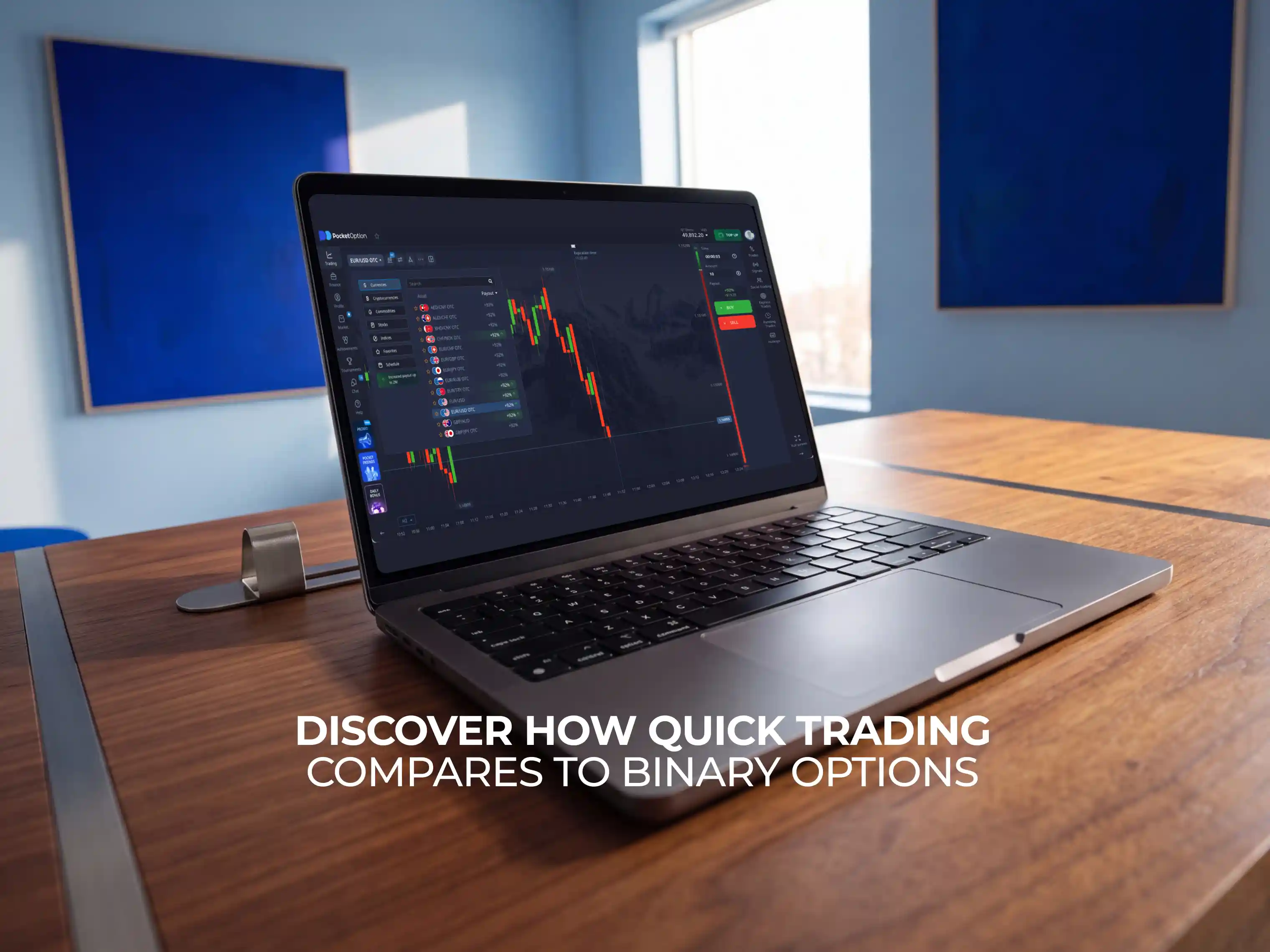
Is Pocket Option a Binary Trading Platform? Discover how Quick Trading compares to Binary Options
Pocket Option has Quick Trading in place of typical binary options, but how do they compare, and what is the difference? This guide walks you through the mechanics and what regulators are actually saying about it.

What Are Binary Options?
A binary option is a contract that asks a simple question: will the asset's price be up or down, when a specific time expires. That is why it’s ‘binary’: there could be only two outcomes. If you chose the correct direction for the price, you win, and gain profit. If you didn’t, you lose. You don’t own the underlying asset, and there are no partial outcomes, where you can lose only a portion of your position. It’s all about price, win or lose.
This category of trading instrument has a rough regulation history. Between ~2013 and 2017, US and EU regulators have cracked down on unlicensed binary options platforms. In 2018, several major ad platforms, including Google, put a restriction on advertising binary options platforms and products. That being said, many people still enjoyed trading binary options rather than CFDs or regular options contracts, and this trading space is still thriving, despite regulation challenges. Most people enjoy the relative simplicity of binary options trading, having only two outcomes to worry about, and lack of stop-losses and take-profits to set up every time.
Is Pocket Option a Binary Options Broker?
Structurally, Quick Trading and binary options share the same core mechanic. You forecast direction, over a fixed timeframe, for a fixed payout, without owning the underlying asset. With that being said, from the outside it looks like Pocket Option is a binary options broker, just with a couple twists. For example, there are no fixed clock times, as you can choose any timeframe between 5 seconds and 4 hours. Expiration times are built around your trade, and not around the clock (meaning, a timer starts the millisecond you open the trade, and there’s no expiry specifically at 14:00, or 14:05). There is also a social trading sphere, and an entire gem system built around the Quick Trading mode, adding further risk management. You can close some losing trades, without having any penalty.
This is why there are no regulators warning Pocket Option, binary options trading is different enough from Quick Trading to make it a different trading system entirely. "Quick Trading" is not just a rebrand with nothing else different, there are real structural changes, which make it unique. The real answer to a question of "is Pocket Option a binary options broker" is: not by its own description, and not according to regulators. Although the systems are similar.
Quick Trading vs Binary Options: What's Different
Feature | Quick Trading (Pocket Option) | Traditional Binary Options |
|---|---|---|
Core mechanic | Forecast direction, fixed timeframe, all-or-nothing payout | Same |
Shortest timeframe | From 5 seconds (OTC mode) to 4 hours | Typically minutes, rarely seconds |
Clock time | Variable (you can set the time yourself) | Fixed (e.g. 14:15, 14:30, end-of-day) |
Asset range | 100+ across forex, crypto, stocks, commodities | Usually narrower, exchange-dependent |
Traded via | Only Pocket Option's own platform | Can be exchange-listed (e.g., Nadex) or OTC broker |
Additional features | Social trading, cashback, cancellable trades, risk-free trades, AI trading, | None |
Central clearing / exchange | No | Depends on provider (some exchange-listed binaries do have one) |
Terminology used | "Quick Trading," Buy/Sell forecast | "Binary option," Call/Put |
The biggest difference for users might be the AI that trades for you automatically or cancellable trades (you can entirely opt out of orders that went south, using specific perks). But the biggest underlying structural difference is the absence of a central exchange or clearinghouse. Pocket Option operates as the counterparty directly, rather than the way an exchange-listed product like Nadex's binaries work. The ultra-short OTC timeframes (down to 5 seconds) also go beyond what most binary options platforms can offer.
Because of meaningful differences between the systems, Pocket Option is regulated, whereas most binary options platforms can’t be. Pocket Option holds a license under the jurisdiction of the Mwali (Mohéli), Comoros Union, since 2014, and follows the best international security standards, making it a more reliable choice for traders.
How Quick Trading Works on Pocket Option
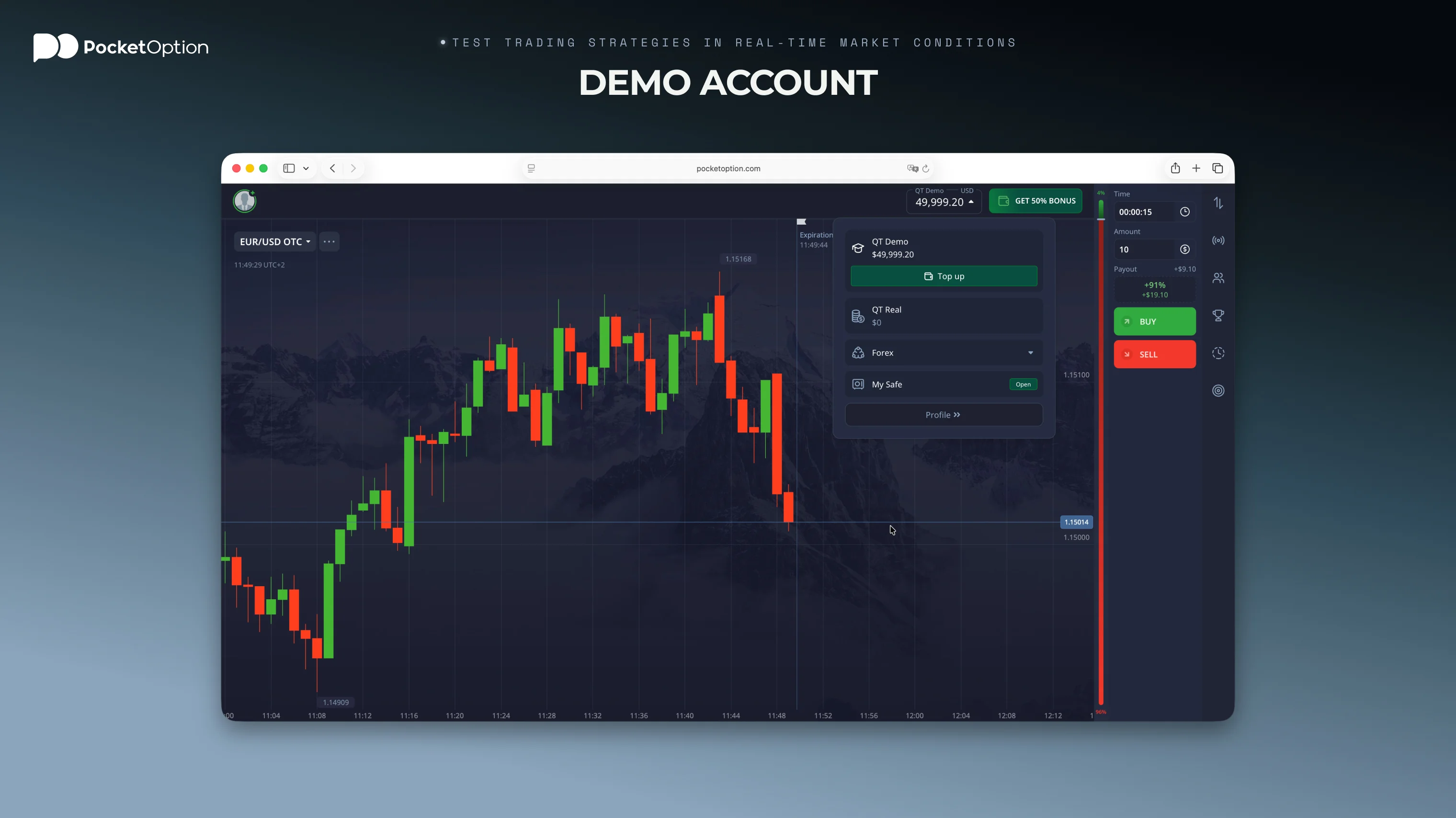
If you've weighed the above and want to see the mechanics, the actual trading process at Pocket Option is similar to binary options broker. You:
Choose an asset. Select a forex pair, crypto option, stock, or commodity from the list. There are over a hundred assets and asset pairs to choose from.
Read the chart. Use trend indicators, volume, or other tools available on the platform.
Set your trade amount. Starting from $1 per trade.
Set your timeframe. From 5 seconds up to 4 hours. Choose the timeframe in which the setup you see is most likely to be realized.
Forecast price direction. Press the BUY button if you expect price to rise, or SELL if you expect it to fall. You can also press AI (only in real trading, not on demo), to let the advanced system pick a direction for you.
See the result. After a set time, the contract will settle automatically. A correct forecast will see you earning a payout (up to +92% of your initial trade), and an incorrect one loses the stake.
A few practical things worth knowing going in: the payout rate is shown to you before you confirm the trade and can vary by asset and market condition. Also, shorter timeframes might be better for learning because of faster feedback, but they also provide less time for a proper market move to develop, so predicting them in time might be harder.
Key Advantages of Pocket Option
Ultimately, the terminology is secondary. Whether you think that Pocket Option is a binary options broker or not, there are a few distinct advantages to using the Quick Trading mode over traditional, time-fixed options products:
Trading Range
✔️ 100+ assets across forex, crypto, commodities, and stocks
✔️ 50+ technical indicators, including RSI, MACD, BB, and Fibonacci retracement
✔️ AI-assisted trading tools, advanced Telegram bot integration
✔️ 24/7 OTC access, including weekends when traditional markets are closed
Community and Engagement
✔️ Social trading: you can follow and copy any other traders' positions
✔️ Trading tournaments with live leaderboards
✔️ Social Sentiment bar: a visual gauge that lets you see a percentage of traders on the platform currently buying or selling that specific asset
Payments and Bonuses
✔️ 50+ payment methods, including cards, e-wallets, and crypto
✔️ Deposit bonuses and promo codes, posted on social media and inside the Pocket Option app.
Learning and Support
✔️ Market analysis, guides, and educational content
✔️ 24/7 live chat support
✔️ Mobile app access on iOS and Android
Try on a Demo Account First
Pocket Option has a free demo account with $50 000 in virtual funds. It exactly mirrors the regular Pocket Option binary options platform, except for AI trading and social trading features (these both don’t exist in demo, only on live).
A demo account is often the best way to understand how the Quick Trading mode works, and how contracts actually behave. To experiment with the timing, the payout structure, and the indicators that work best for you.
on a Pocket Option Demo account
Try Free TradingBefore You Start
A few things worth deciding before opening any account, real or demo:
Timeframe fit. Remember that sub-1-minute contracts require constant attention and fast decisions. They require an entirely different trading style compared to a 15-minute or hourly forecast, which you might have been used to in the CFD mode. There's a lot less time for technical setup to play out.
Position sizing. Since each contract in Quick Trading mode is all-or-nothing, experienced traders often size with less. Putting more than 1-2% of your capital in any single trade is considered more risky than in modes where losses often are partial.
Choose your capital turnover strategy. Because in Quick Trading capital is locked only for seconds or minutes at a time, your balance can increase much quicker than in standard spot or CFD trading. Choose whether to compound wins, or to strictly withdraw the profits. Set a daily/weekly schedule for rebalancing, to preserve and increase your initial capital base.
Disclaimer: Remember that trading involves significant risk of capital loss. This article is for educational and informational purposes only and does not constitute financial advice. Always verify a platform's regulatory status directly with the relevant regulator before depositing funds, and only trade with money you can afford to lose.
See more:InterestingTrading platforms