
Tablet for trading: 2025 practical guide for Pocket Option users
Trading in 2025 needs no desk — a tablet can handle it all. This guide shows how to pick the right device, set up Pocket Option in your browser, and trade smoothly anywhere.

Top 10 Trading Tablets - specs, feedback & prices
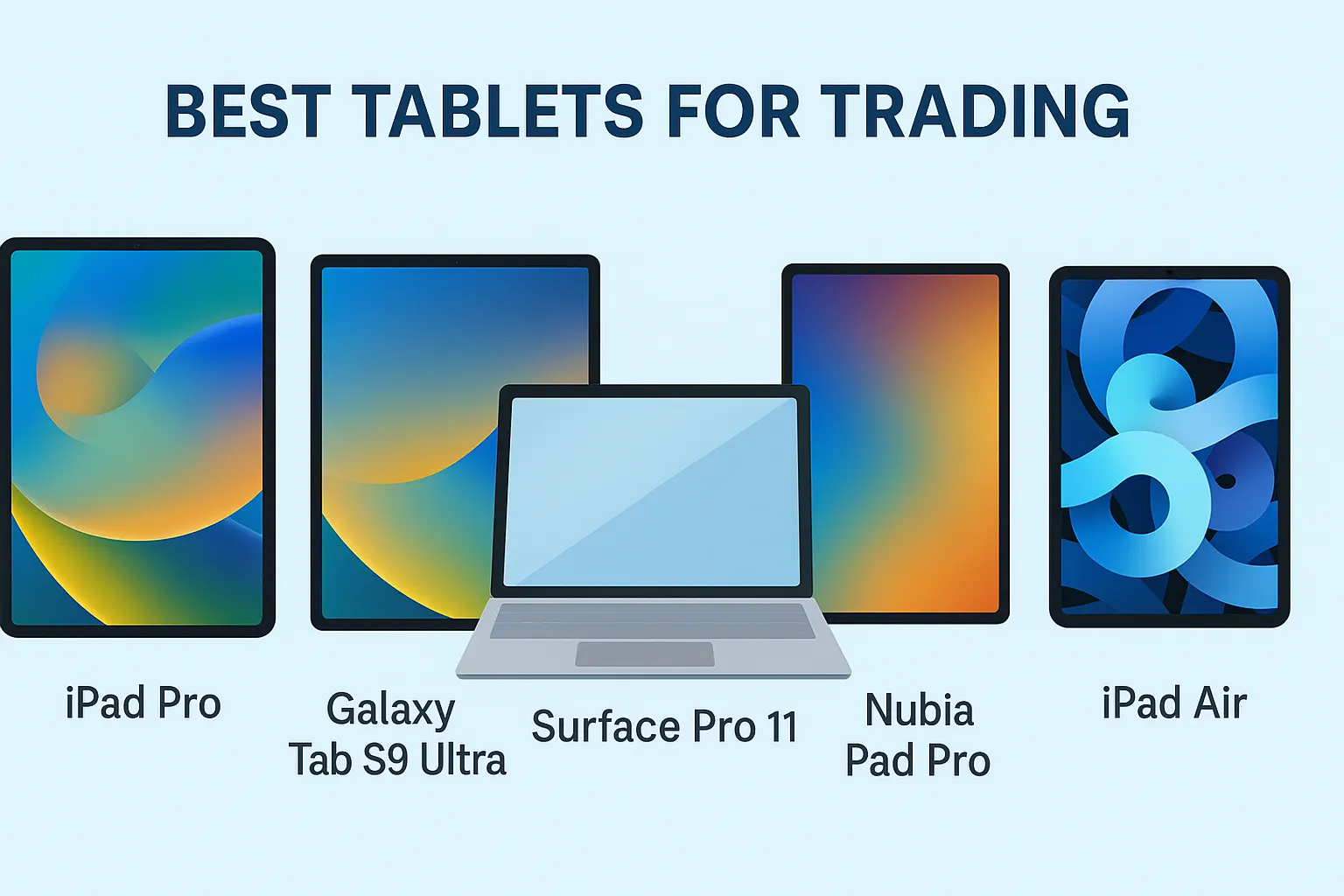
Best tablets for trading in 2025:
| # | Model | Key Specs | Approx. Price* | Trading Appeal |
|---|---|---|---|---|
| 1 | Apple iPad Pro 13″ (M4, 2024) | 13″ OLED 2752×2064 120 Hz, M4 SoC, up to 16 GB RAM | From $1 299 (Wi‑Fi) | Ultra-fast performance, best display, long OS support |
| 2 | Samsung Galaxy Tab S9 Ultra | 14.6″ AMOLED 120 Hz, Snap-dragon 8 Gen 2, 12 GB RAM | About $1 199 (Wi-Fi) | Large multimedia canvas, includes S Pen, excellent multitasking |
| 3 | Microsoft Surface Pro 11 (2025) | 13″ 120 Hz IPS/OLED 2880×1920, Snapdragon X Plus / Intel Ultra, 16--64 GB RAM | Start around $999 for ARM | Desktop-grade multitasking, excellent keyboard/pen support |
| 4 | iPad Air (M3, 2025) | 11″ or 13″, M3 chip, supports Magic Keyboard | Starts ~$599 | Lightweight yet powerful, value-for-money, accessory-ready |
| 5 | iPad 11th Gen (2025) | 11″, A16, entry-level Apple tablet | ~$299--$349 | Affordable, reliable, great for starting traders |
| 6 | Samsung Galaxy Tab S10+ | 12.4″ AMOLED 120 Hz, S Pen included | ~$819--$999 (after discounts) | Strong value, vibrant display, multitasking with DeX |
| 7 | Nubia Pad Pro | 10.9″ IPS 2.8K 144 Hz, Snapdragon 8 Gen 3, 10,100 mAh | €419--€579 | Extremely high refresh, great value, compact yet powerful |
| 8 | Microsoft Surface Pro 9 | 13″ 120 Hz 3:2, Up to 32 GB RAM, 5G on ARM models | $1 000--$2 700 | Windows ecosystem, full desktop tools, 5G option |
| 9 | Surface Go 4 (Business) | 10.5″ IPS, Intel N200, 8 GB RAM | €790--€919 (~$850--$1 000) | Ultra-portable, serviceable, good for light charting |
| 10 | Samsung Galaxy Tab S9 FE | 10.9″ 90 Hz IPS, Exynos 1380, 6--8 GB RAM | Mid-tier price -- expect ~$550--$650 | Solid value, sufficient for basic trading tasks |
*Prices are estimated from recent deals and MSRP trends.
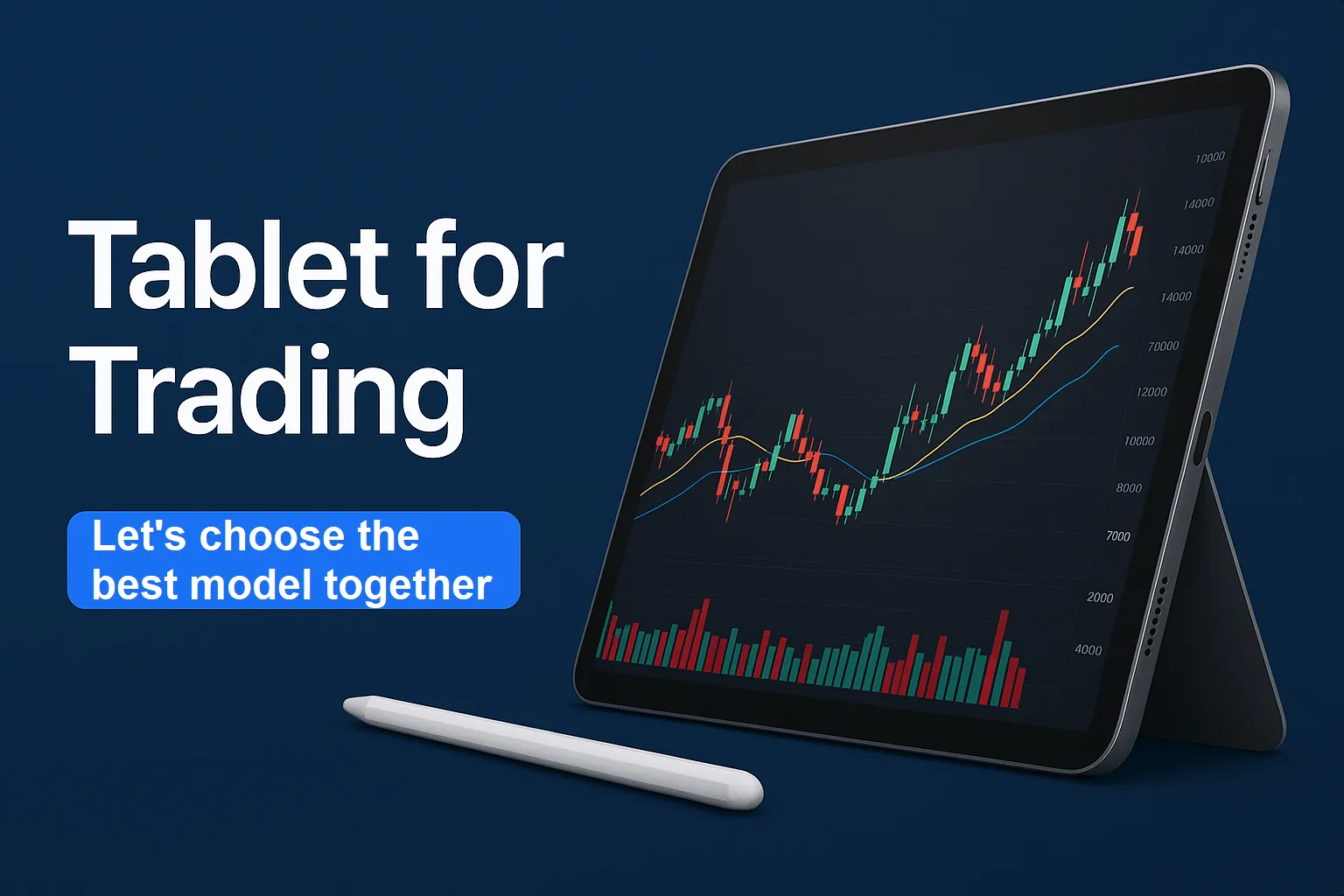
Why these tablets are leaders for trading:
- iPad Pro: top performance and display, reliable update plan.
- Galaxy Tab S9 Ultra: huge display + S Pen -- ideal for multi-window work and charts.
- Surface Pro 11: the best choice for those who value full Windows and power.
- Nubia Pad Pro: unexpectedly powerful and fresh player -- large screen and high refresh rate for a price lower than competitors.
- iPad Air and iPad 11 Gen: balanced models in terms of price and capabilities, especially if the budget is limited.
Trader’s tip:
- If multitasking is important to you and you are already in the Windows ecosystem -- Surface Pro 11 or Surface Pro 9 will be the most logical choice.
- Prefer an intuitive browser and compact form factor? iPad 11 Gen or Air offer a quick start.
- Need a balance of screen, performance, and price -- Galaxy Tab S9 Ultra or Nubia Pad Pro will fit perfectly.
Why a tablet for trading is viable in 2025
Tablets bridge the gap between a phone’s convenience and a laptop’s workspace. Shipments rebounded in 2024--2025, a sign of renewed investment in mobile productivity hardware (IDC and Canalys report sustained growth across 2024).
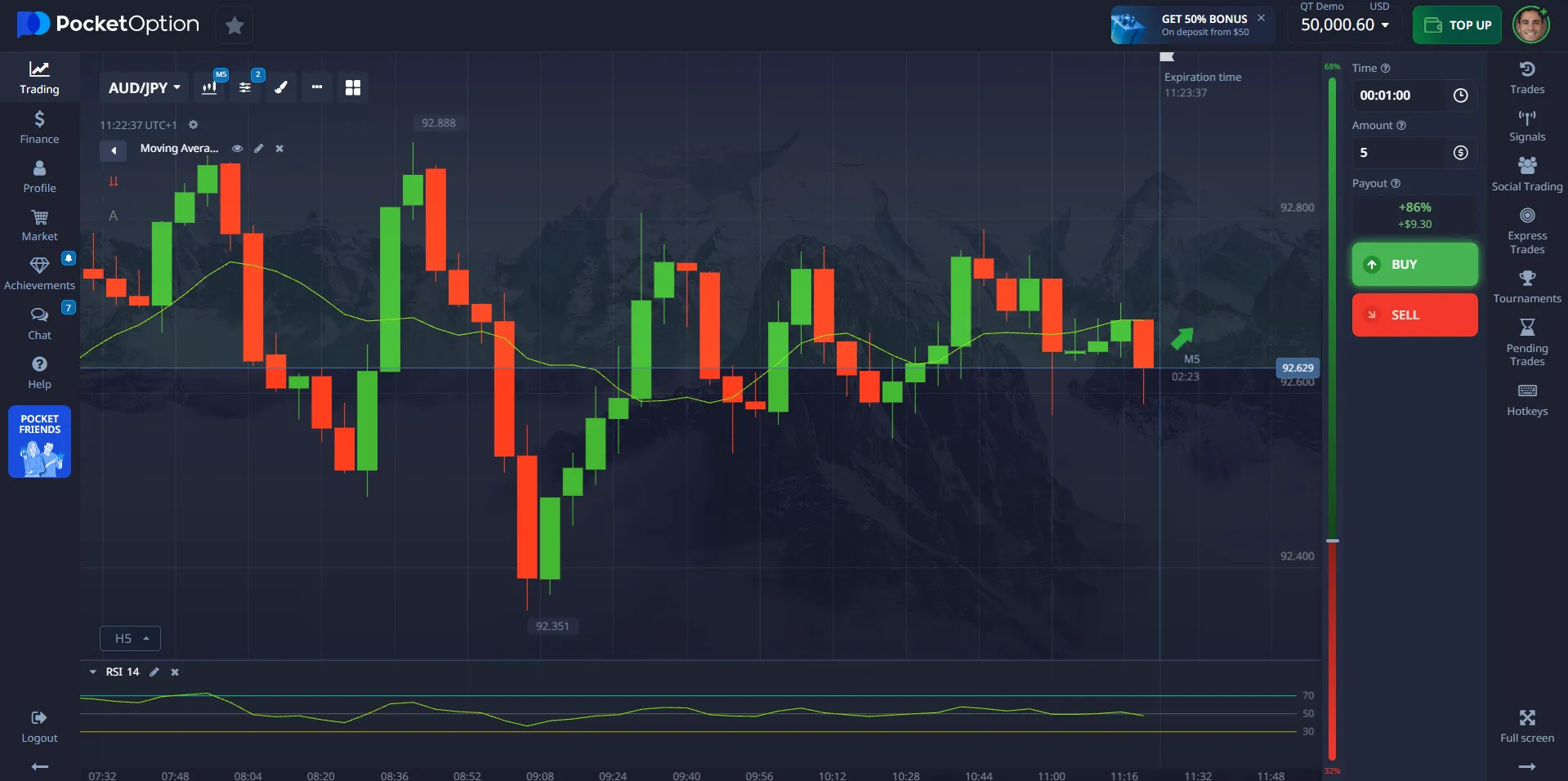
On Pocket Option, you open the platform in Safari, Chrome, or Edge and get the same workflow across iPad, Android, or Windows -- updates roll out immediately, and you avoid app-store delays. Official Pocket Option articles confirm web trading without mandatory installation on Windows.
Tablet specifications that matter (2025)
Choosing a trading tablet 2025 starts with the display, network, and memory. Below are practical tablet specifications for smooth charting and stable order entry.
Minimum vs. recommended specs for trading
| Component | Minimum (usable) | Recommended (comfortable) | Rationale |
|---|---|---|---|
| Display | 10.2" IPS, 60 Hz | 11--13" OLED/IPS, 90--120 Hz | More candles per view; smoother pans |
| Resolution / density | 1920×1200, ≥220 ppi | ~2360×1640+ (≈2K), ≥260 ppi | Sharper grids and labels |
| RAM | 4 GB | 8--12 GB | Keeps tabs and trading apps responsive |
| SoC (CPU/GPU) | Mid-tier 2022+ | Flagship 2023--2025 | Faster rendering and multitasking |
| Storage | 64 GB | 128--256 GB | Room for screenshots, PDFs, journals |
| Connectivity | Wi-Fi 5 | Wi-Fi 6/6E + optional 5G | Lower latency and congestion handling. |
| Battery | 7,000 mAh | 8,500--10,000 mAh | Full session endurance |
| Inputs | Basic touch | Low-latency pen + keyboard | Faster markups and hotkeys |
Why Wi-Fi 6/6E? It reduces contention and improves efficiency (OFDMA, MU-MIMO), which helps during live markets and crowded networks.
Platforms: iPad trading vs. Android vs. Windows
OS capabilities relevant to mobile trading
| Capability | iPadOS (iPad trading) | Android tablets | Windows tablets |
|---|---|---|---|
| Windowing | Stage Manager: overlapping windows, quick grouping. | Split-screen & freeform (varies by vendor) | Full desktop windowing |
| External displays | Mirroring broadly; extended support on newer models | Mirroring common; extended varies | Multi-monitor, granular scaling |
| Browsers | WebKit engine (Safari), strong single-core | Chromium/Firefox variants | Desktop Chrome/Edge/Firefox |
| Accessories | Pencil/keyboard ecosystem | Broad, quality varies | Laptop-class keyboards/docks |
| Updates | Long OS support cadence | Vendor-dependent | Enterprise-grade management |
Practical note: Stage Manager adds desktop-like multitasking to iPadOS and is easy to toggle from Control Center.
Pocket Option on tablets: web-first, zero installs ⚙️
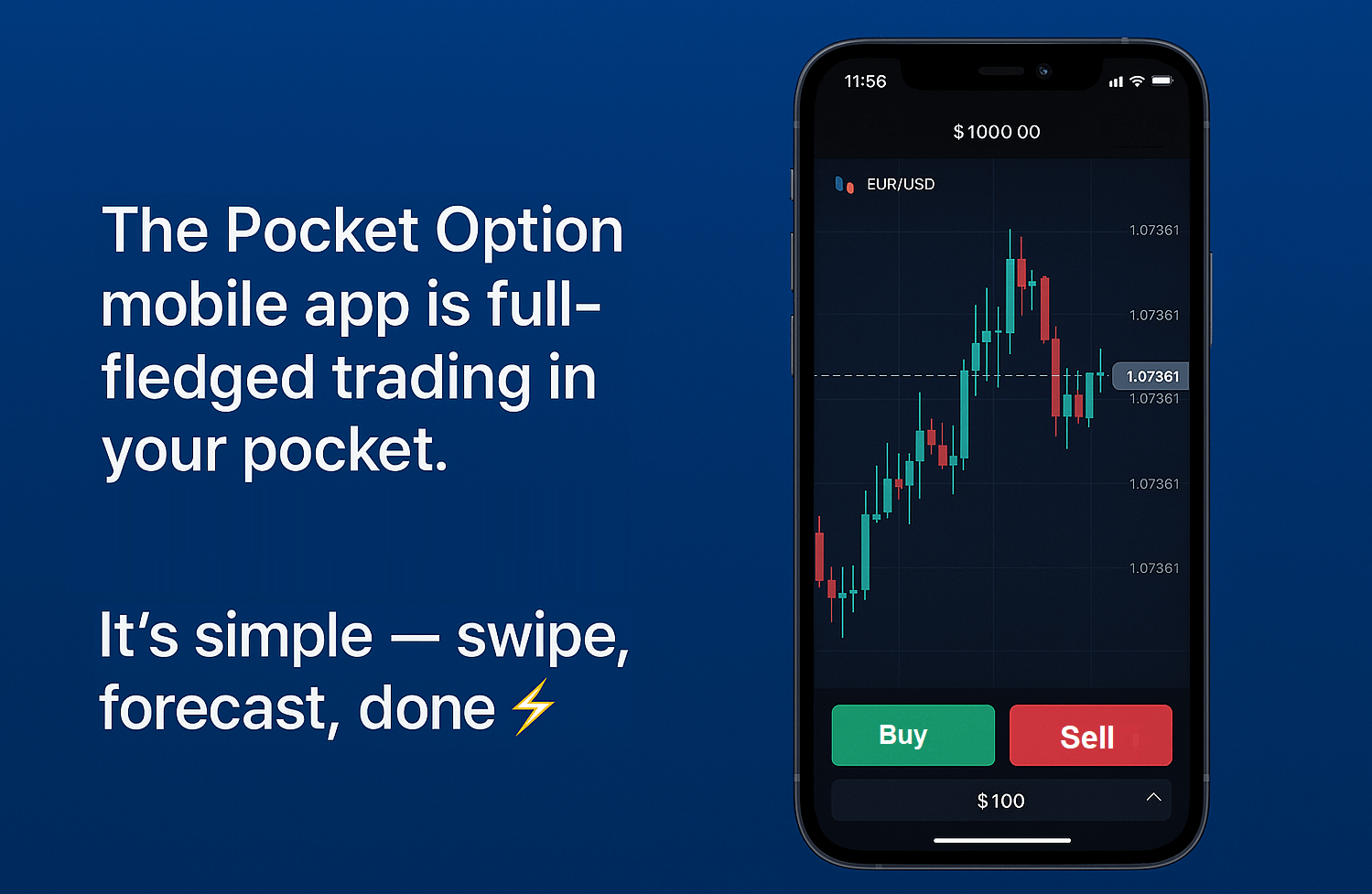
Pocket Option’s mobile trading platform runs in the browser or trading mobilу app (iOS/Android), including a PWA option on supported systems. That means you can add it to the home screen and launch full-screen like an app; modern iOS and Android support installable PWAs through the share/install flow. You can also download the full application on your mobile (iOS/Android)!
Official Pocket Option guides emphasize that Windows users can start directly in the browser without downloads! While some traders still use dedicated stock market apps for news or alerts, Pocket Option’s browser-based platform already combines execution and analysis, reducing the need for multiple apps.
“I run Pocket Option on an 11-inch Android tablet with a travel keyboard. Browser mode is stable, and I never worry about version mismatches.” -- Michael Torres
“Switched from a laptop to a 13-inch iPad. Stage Manager plus browser charts is enough for price action and quick entries.” -- Hiro Tanaka
How to pick a tablet for trading (checklist 2025) 🧰
Quick selection checklist
- 11--13" display at ~2K and 90--120 Hz for chart clarity.
- 8--12 GB RAM and a recent flagship SoC (2023--2025).
- Wi-Fi 6/6E at home; 5G as roaming backup.
Comparative device table: technical specs, user reviews, performance notes
Below is a neutral comparison of popular models often considered when searching for the best trading tablet. Performance notes reflect browser responsiveness, multitasking headroom, and external display behavior sourced from platform documentation and major tech coverage.
Device comparison (specs + user reviews + performance)
| Model | Display & refresh | RAM options | Wireless | Battery (approx) | OS highlights | Performance notes | User review highlight |
|---|---|---|---|---|---|---|---|
| iPad Pro 12.9 (M2/M4) | 12.9" hi-res, up to 120 Hz | 8--16 GB | Wi-Fi 6E, 5G | ~10,000 mAh | Stage Manager windowing. | Very strong single-core; smooth browser panning; extended display support on newer gens. | “Charts are ultra-smooth; Pencil helps mark levels precisely.” -- Elena Popov |
| Samsung Galaxy Tab S9+ | 12.4" AMOLED, 120 Hz | 8--12 GB | Wi-Fi 6E, 5G | ~10,000 mAh | Flexible windowing; multiple browsers | Responsive with Chrome/Firefox; good DeX-style workflows on external screens. | “DeX + external monitor gives me a near-desktop layout.” -- Lucas Nguyen |
| Microsoft Surface Pro 9 | 13" high-res, 120 Hz | 8--32 GB | Wi-Fi 6E, 5G (select SKUs) | ~7,500--8,000 mAh | Full Windows desktop | Desktop Chrome/Edge; strongest multi-window; heavier but closest to a laptop. | “Windows shortcuts and multi-monitor support speed up my routine.” -- Priya Mehta |
Market context: Tablet shipments grew in 2024 and continued recovery into 2025, indicating sustained OEM investment and accessory ecosystem support.
Example setups by use case (restored profiles) 📊
Example tablet profiles mapped to trading styles
| Use case | Display target | RAM / SoC class | Connectivity plan | Accessories | Notes |
|---|---|---|---|---|---|
| Commuter scalps (30--60 min) | 11" 2K @120 Hz | 8 GB / upper-mid | Wi-Fi 6 + 5G fallback | Slim keyboard, pen | Lightweight kit, quick entries |
| Home swing trading | 12.9--13" 2K--3K @120 Hz | 8--12 GB / flagship | Wi-Fi 6E | Desktop stand, full keyboard | Larger charts, longer sessions |
| Travel kit (airports/cafés) | 11" 2K @120 Hz | 8 GB / flagship | 5G first, Wi-Fi backup | Power bank, privacy filter | Changing light and networks |
| External monitor desk | 11--13" any | 8--16 GB / high | Wi-Fi 6E | USB-C hub/HDMI | Tablet as control surface |
Browser & PWA setup for trading apps
Save Pocket Option as a PWA from the browser to launch full-screen and reduce UI chrome. iOS 16.4+ allows installing PWAs from Safari, Chrome, Edge, and others via the Share menu; Android supports install prompts directly. If you prefer native-like behavior, pin two shortcuts (e.g., scalps vs. swings) to separate sessions. This reduces context switching and keeps day trading tools and watchlists distinct.
Performance tuning for trading mobility ⚙️
Quick tuning steps
- Keep one modern browser and limit extensions.
- Close heavy tabs before the session; leave 20% free storage.
- Sit near a Wi-Fi 6/6E router; use 5G when roaming.
Expert note: Lower network contention and better scheduling (OFDMA, MU-MIMO) help stabilize latency during peak hours.
Security practices for trading hardware 🛡️
Minimal security baseline
- Strong passcode/biometric; enable remote-wipe.
- Use a password manager + MFA.
- Avoid public Wi-Fi; if necessary, use a reputable VPN.
Academic work shows device context affects investor behavior and attention allocation; reducing distractions on mobile screens is part of risk control.
iPad trading specifics (windowing, external displays)
Stage Manager enables overlapping, resizable windows on compatible iPads and is toggled from Control Center or Settings. Use it to keep the main chart centered and secondary tools docked. Coverage from major outlets notes that Apple’s windowing model has matured since iPadOS 16, bringing iPad workflows closer to laptops for multi-app trading.
How Pocket Option fits tablet workflows
- Web-first platform: open, log in, trade; no mandatory desktop install.
- Cross-device parity: same layouts on iPad, Android, Windows.
- PWA option: for quick launch and full-screen focus.
“On a Tab S9+ I keep charts on the tablet and news on a phone. Execution in the browser is consistent across sessions.” -- Ava Martins
Budget alternatives (when every euro matters)
If you’re optimizing for cost, prioritize the screen and network over raw CPU. A mid-tier Android with an 11" ~2K 90--120 Hz panel, 8 GB RAM, and Wi-Fi 6 will outperform an older flagship with a dim 60 Hz display for charting. Consider refurbished devices from 2023--2024; the trade-in market data shows ongoing refresh cycles that keep quality hardware available.
Budget-minded picks (spec targets, not endorsements)
| Tier | Typical spec target | What to check in store | Why it matters |
|---|---|---|---|
| Entry-mid Android (refurb 2023--2024) | 11" ~2K @90 Hz, 8 GB RAM, Wi-Fi 6 | Smooth scroll in browser charts; screen brightness; 5G variant | Practical portable trading with enough headroom |
| Older iPad Air + Pencil | 10.9" high-res, 4--8 GB RAM | Stage Manager support; battery health | Reliable updates; strong iPad trading accessory ecosystem |
| Windows 2-in-1 previous gen | 12--13" 120 Hz, 8--16 GB RAM | Fan noise under load; standby drain | Desktop-grade multitasking for trading mobility |